Read the Bible with us this year!
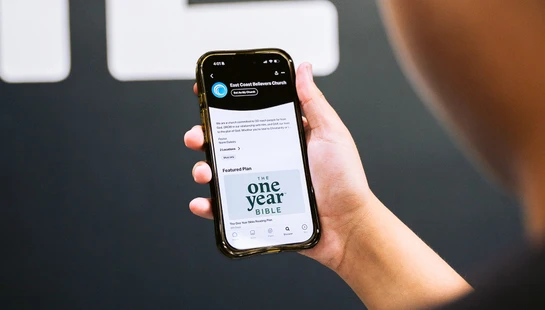
📱 How to Set Our Church in YouVersion:
1️⃣ Open the YouVersion Bible App
2️⃣ Tap Discover
3️⃣ Type in “East Coast Believers Church”
4️⃣ Tap “Set As My Church”
5️⃣ Choose your Campus
6️⃣ Select “Everyone” so your followers can see 🙌